- Make a new folder, drag in / import your mesh and any textures it might need.
- Standard import settings should work. Don’t import / create material as the editor script will take care of that. Make sure combine meshes is on!
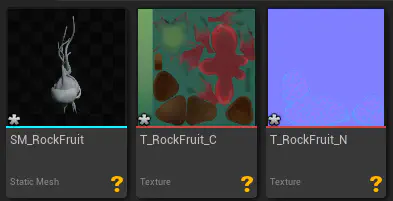
Your folder should like this
- Standard import settings should work. Don’t import / create material as the editor script will take care of that. Make sure combine meshes is on!
- Right click on the static mesh, select “Auto Setup Hero Plant”

- Set your options. This one doesn’t have an animation texture (changes the parent material) and I don’t plan on using it in foliage mode, so I’ll keep these off.

- Set your options. This one doesn’t have an animation texture (changes the parent material) and I don’t plan on using it in foliage mode, so I’ll keep these off.
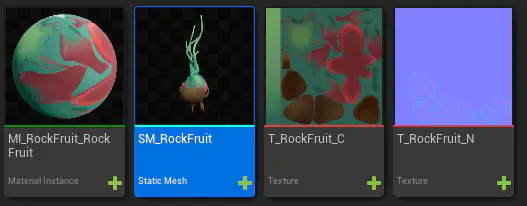
- Et voilà! The script should have automagically setup a material instance, assigned the textures (and setup their compression settings), and assigned the MI to the static mesh. Your folder should look like this:
The script doesn’t quite do everything - you’ll need to manually setup a few more things