Duplicate a similar montage in the “Emotes” folder of the bot. Name it AM_(BotType)_(NameOfEmote)
Select the “Pose” asset in the timeline view thing:

Swap the animation reference in the details panel:

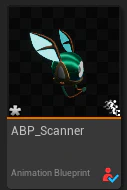
Next, you need to add the new animation montage you created to the list of possible emotes the bot type can play. This lives in the animation blueprint (ABP) of that bot. The ABP lives in the root folder of the bot and is called: ABP_(BotType). Ignore ABP_(BotType)_Post!
On the left side under details, there is a variable named “Emote Montages”. You can add an entry with the plus sign. Name the entry the same as your emote (EG: “Sad”) then link in the montage.
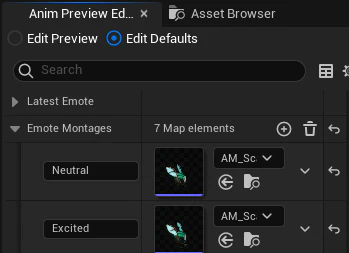
For whatever reason, sometimes these variables live in the details panel and sometimes they are in “Anim Preview Editor”. If changing them from the preview editor, make sure the top radial button is set to “Edit Defaults” and not “Edit Preview”