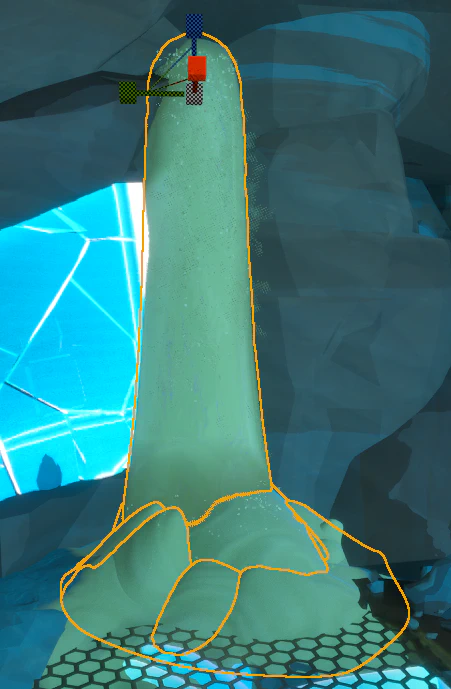
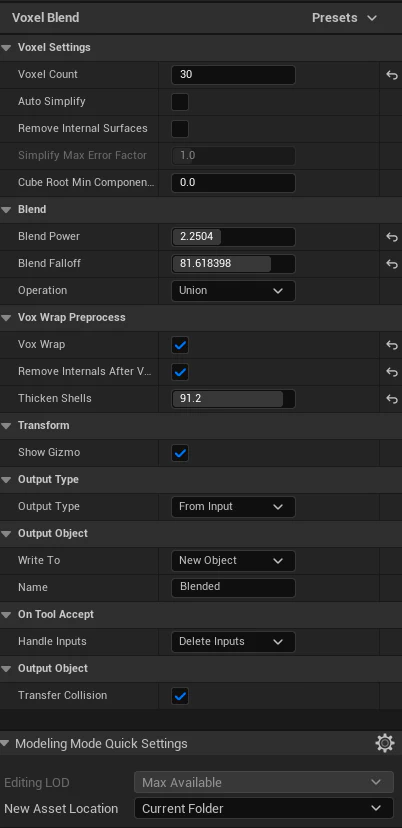
Go to modeling mode > Voxel > Voxel Blend and try the settings above. You can tweak voxel count, thicken shells, and blend power and falloff to dial in the detail. Lower voxel count seems to work better for smooth sand.
Make sure to pay attention to the “New Asset Location” - I’ve been putting the sand into
/Game/Lunos/Art/Desert/Sand/Pouring
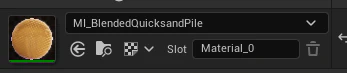
MI_BlendedQuicksandPile
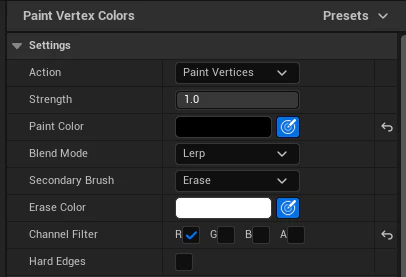
Now, in modeling mode > Attribs > Paint Vertex Colors, set the paint color to black, filter the channel to only red and pain the base of the mesh. This blends the material to “still” sand.
NOTE: Do NOT use the regular vertex color paint mode unless you plan on changing the paint per placed instance. The modeling mode version writes the vertex colors directly to the mesh.
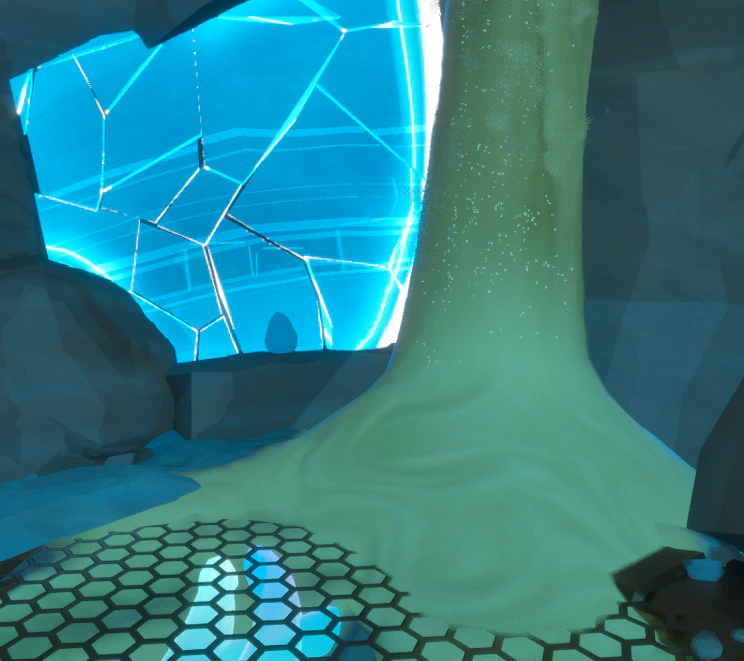
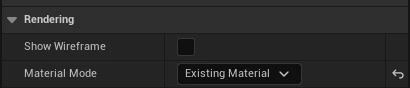
Remember in vertex sculpt and paint mode you can set the material to “existing” to better preview your work.
Decal
Sometimes you might need something a bit more quick and dirty. There is a M_SandDecal you can use to hide your sins.
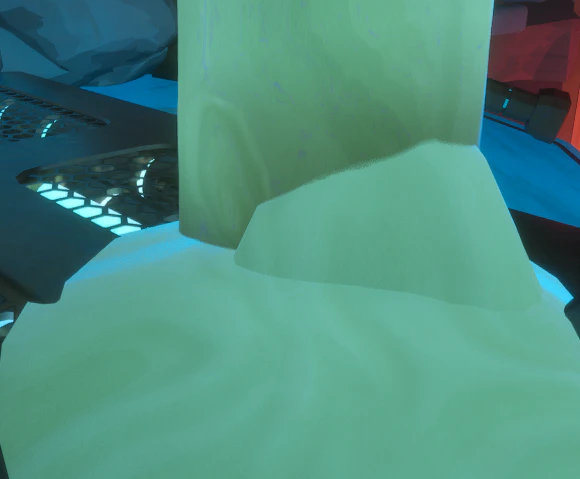

I suggest rotating the decal a bit to keep the stretching a little less noticeable.
Try to keep the decals as small as possible and in general outside of playable space - they will interact with dynamic objects and can be a pricy way to go about things.