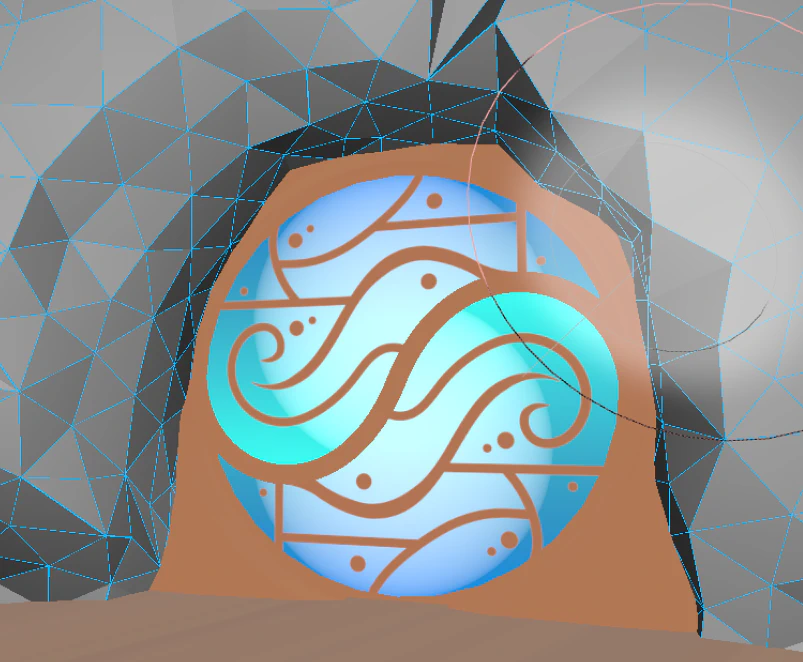
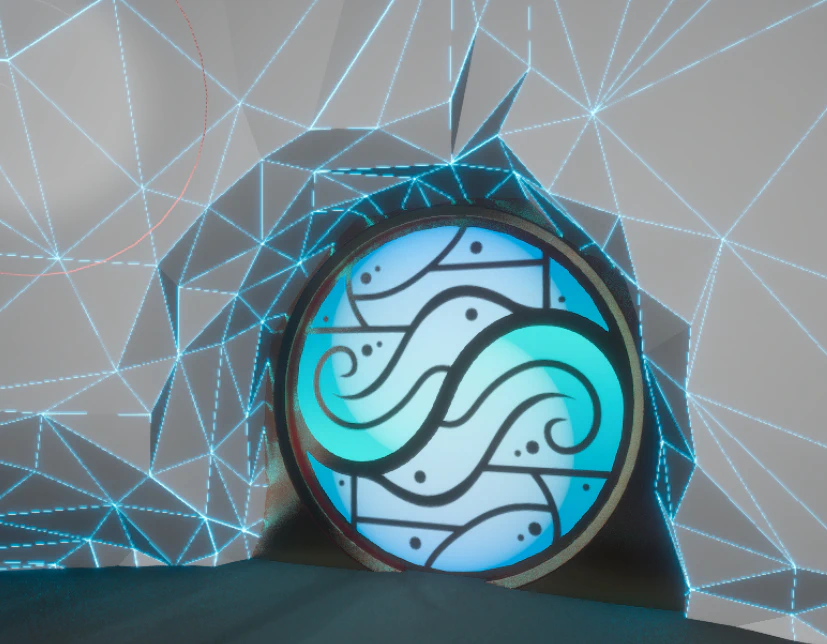
Modeling tool is fantastic for making edits on assets in level / context, especially for things rocks where you often need to nudge verts around / flatten platforms / boolean out doors n such.
Doorway
In /Game/Lunos/ArtTools/BasicShapes there is a SM_DoorwayBoolean. There is also a “flared” version.
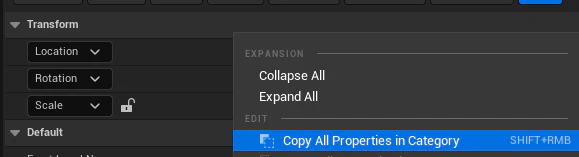
Copy transform from door.
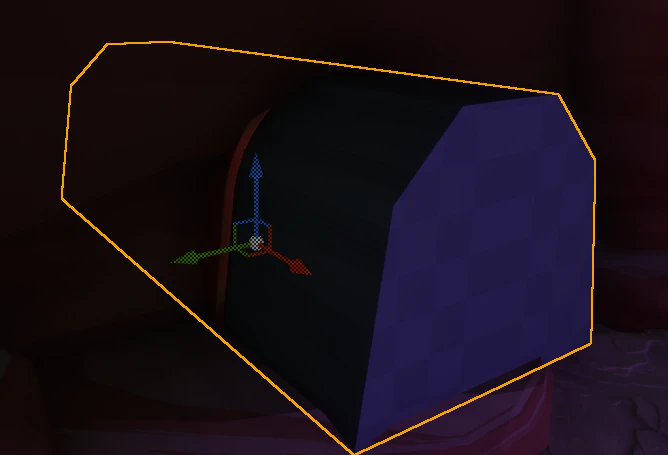
Place boolean at the door.
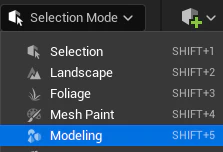
Open modeling mode.
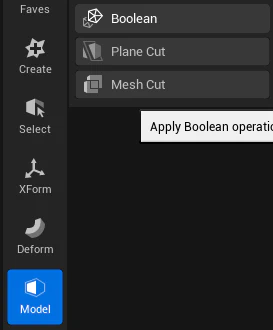
Select the base model, then the boolean model. Model > Boolean. You can also try Voxel > Voxel Boolean
You can mess around with some settings if ya like.
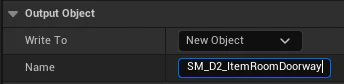
Make sure you set the object write to NewObject! This ensures you don’t put a hole in the original object.
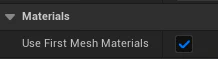
Be sure to set the mesh to only use the first material (Most cases you want this! Deleting the material slot after is a pain.)
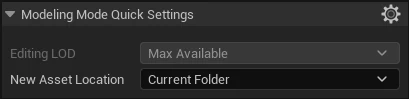
Navigate to the folder you want to put the new mesh in and ensure the “quick settings” are set to current folder.
You now have a boolean-ed mesh, but you may want to do a bit of post processing to clean it up:
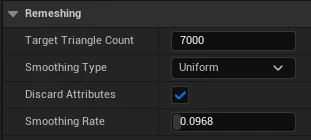
Mesh > Remesh can smooth out irregularities. Discard attribudes (UV, normal) and unchecking PreserveSharpEdges gives the mesh even topo to later re-simplify.
Use Deform > Vertex Sculpt to refine
Use Mesh > Simplify to re-crunchify.
One last vertex sculpt to clean up edges.
Most of the rock materials look OK without any defined UVs, but for example the D2 cave one adds a bit of detail. Give the mesh an EZ planar unwrap with UV > Project UVs
Make sure you take a look at the newly boolean-ed mesh’s collision.